
Appleton Warrant Records Lookup
Appleton Warrant Records are a mix of police requests, municipal court activity, and Outagamie County records. That makes the city easy to search once you know which office owns the file. If the matter began with a stop, an arrest, or a request for a report, the police department is the best first call. If it came from a citation or missed court date, the municipal court is a faster lead. If it moved into county court, the clerk, sheriff, and WCCA system give you the wider record trail that ties the city and county together.
Where to Start for Warrant Records in Appleton
The Appleton Police Department is the most direct starting point for many Appleton Warrant Records questions. The research says public records requests are accepted in person, by mail, and by phone. It also says the office provides incident reports, warrant execution information, and background checks. The police department is at 222 S. Walnut Street, Appleton, WI 54911, and the phone number is (920) 832-5500. That is a good first stop when you need the report behind the warrant instead of just the court entry.
Appleton also works well because the city and county records fit together neatly. If the incident started with police, the police records office can usually tell you what was filed. If the record later reached court, the municipal court or county clerk can show the case path. The statewide WCCA portal at wcca.wicourts.gov then gives you the circuit-court view, which is useful when you need to see whether the record has moved beyond the city level.
That sequence keeps the search practical. Start with the office that produced the record, use the court to confirm the case, and then move to the county when you need the broader file. Appleton does not force you into one system. It gives you several clear paths, which makes a Warrant Records search faster once you know what kind of case you are dealing with.
Appleton Municipal Court Warrant Records
Appleton Municipal Court is the city-side place to check when a citation, parking issue, or missed appearance may have become a warrant. The court is at 100 N. Appleton Street, Appleton, WI 54911, and the phone number is (920) 832-6150. The research also points to the payment portal at appleton.rmcpay.com, where you can search by citation number, view open citations by license plate, and complete online payment processing. That makes the court useful even before you contact the clerk by phone.
Municipal court is often where a local warrant question becomes a fixable problem. If the warrant came from a no-show, a citation, or a fine that was not paid on time, the payment portal may tell you more than a broad records search can. Appleton's municipal system is also helpful because it gives you a direct city location and a simple portal format, which reduces the guesswork that sometimes comes with smaller Wisconsin courts. The office hours are Monday through Friday from 8:00 AM to 4:30 PM, so the timing is predictable.
The payment portal at appleton.rmcpay.com matches this image and is often the fastest route when the warrant issue is tied to an open citation.
Use it when the court case may be resolved by payment, a citation search, or another simple court action instead of a separate records request.
Appleton County Warrant Records and Circuit Search
The county side of Appleton Warrant Records starts with the Outagamie County Clerk of Circuit Court at 320 S. Walnut Street, Appleton, WI 54911. The phones listed in the research are (920) 832-5131 and (920) 832-5130, and the office hours are Monday through Friday from 8:00 AM to 4:30 PM. The clerk offers language assistance, interpreter services, support for deaf and hard of hearing users, and a self-help center with family court commissioner contact information. It also keeps court case files, warrant records, criminal records, and civil, family, probate, and traffic records.
The Outagamie County Sheriff's Office is the enforcement side of that same search. It is at 3030 East Goodland Drive, Appleton, WI 54911, and the phone number is (920) 832-5605. The research says the office maintains an active warrant list, handles warrant verification, arrest records, and jail information, and offers police files and arrest logs through open records requests. That makes the sheriff a strong follow-up office when you need to know whether a warrant is active or whether the case has already shifted into custody or jail records.
The county circuit court page at outagamiecountywi.gov/departments/circuit-court is the formal court-side entry point for Appleton Warrant Records.
The sheriff page at outagamiecountywi.gov/departments/sheriff is the enforcement-side county entry point when you need verification or arrest logs.
Outagamie County also has other municipal courts, including Kaukauna and Seymour, which helps explain why a search may start in Appleton but end up in another court office. Appeals from municipal court go to circuit court as trials de novo, and the research notes that municipal courts are not courts of record. That detail matters because a city warrant trace can be short, while the county file may hold the deeper history.
The Outagamie County WCCA portal at wcca.wicourts.gov matches this circuit search image and gives you the quickest county case check.
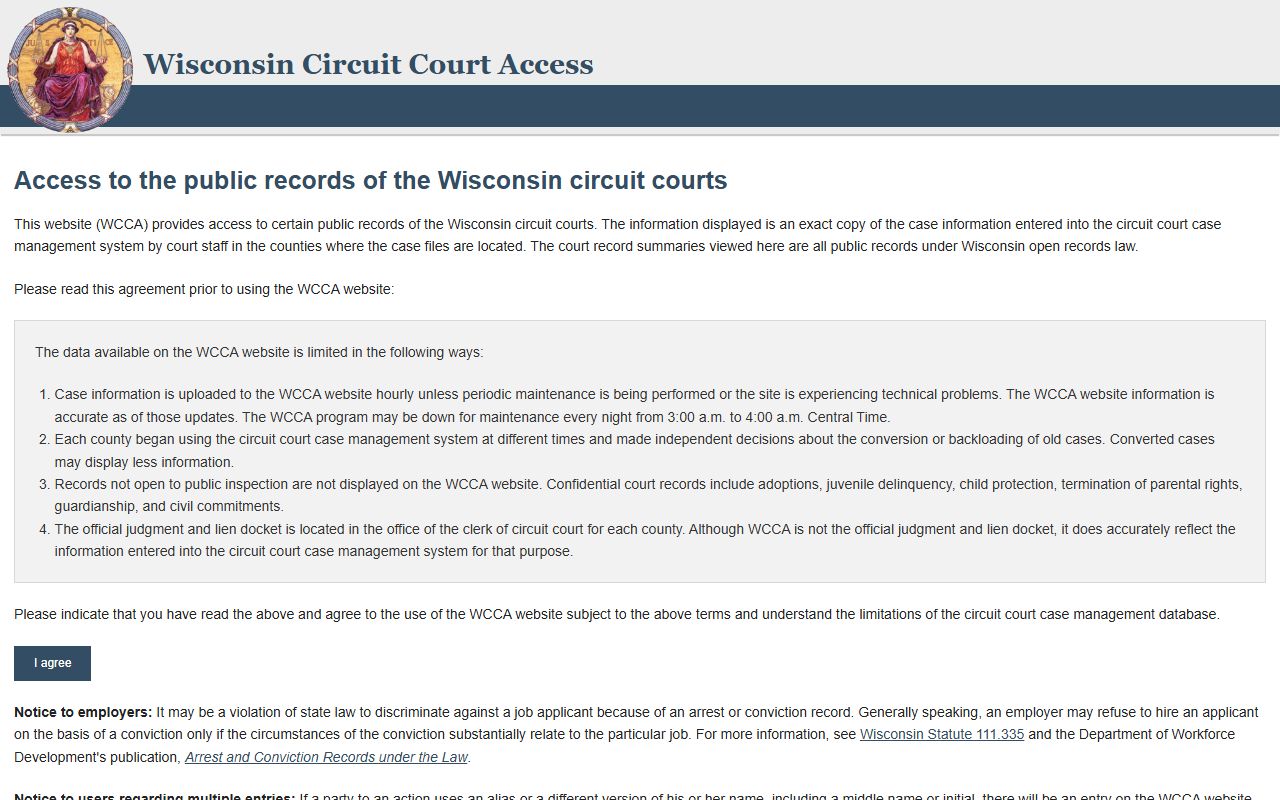
Use it to confirm the case before you ask the clerk or sheriff for a copy or status update.
The Outagamie County law library directory at wilawlibrary.gov/topics/county.php?c=Outagamie matches this support image and can help you identify the county office that should have the file.
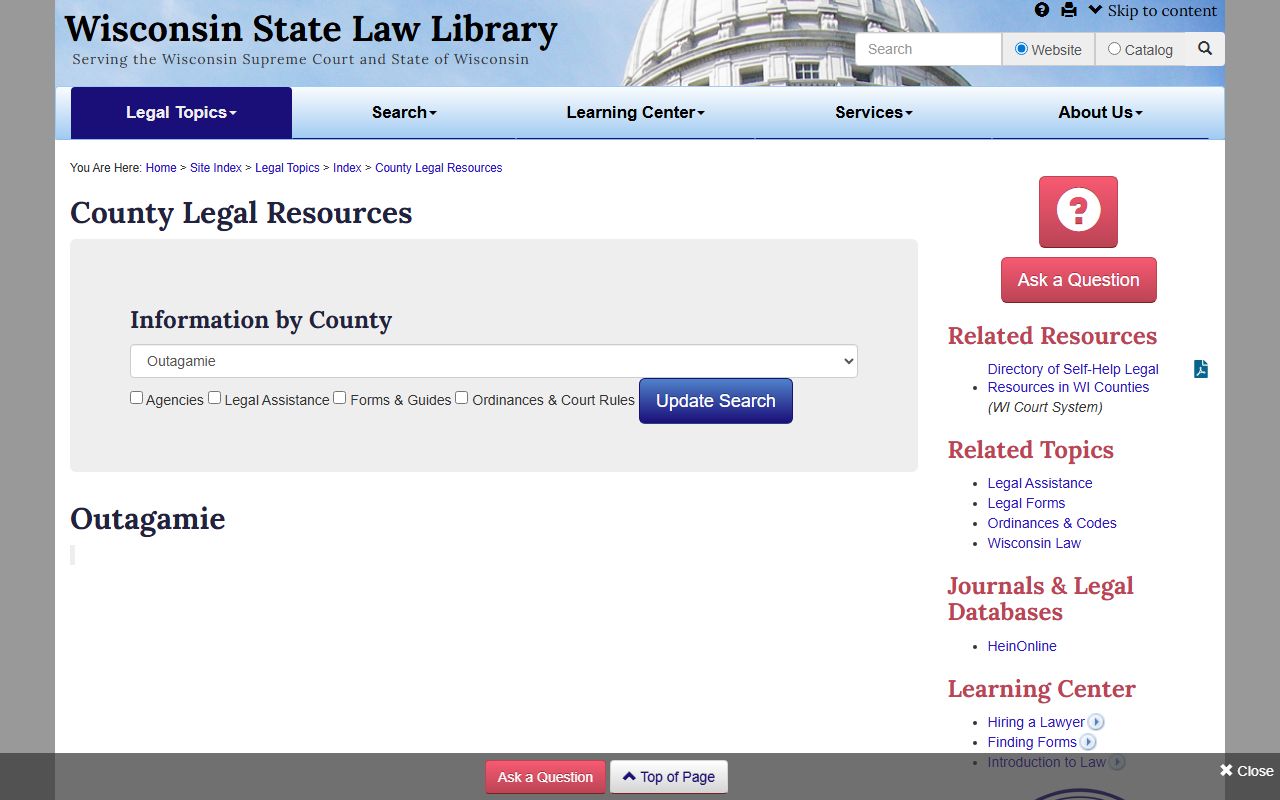
That guide is useful when you need a court reference before you make the request itself.
Getting Copies of Warrant Records in Appleton
If you need copies instead of just a search result, the office depends on the record. Appleton Police handles reports and arrest-side material. Municipal Court handles city case files and citation questions. The county clerk handles certified court records and broader circuit files. The sheriff handles active warrant verification and custody-related records. That split matters because a single Appleton Warrant Records event can leave several different paper trails, and each office may hold a different piece of the case.
The county records path is also shaped by the language assistance and self-help resources at the clerk's office. If you need to ask about a court file, a record copy, or a case number you do not yet have, the clerk can often point you to the right form or office. The research also notes that Warrant Records can include arrest warrants, bench warrants, search warrants, civil warrants, and John or Jane Doe warrants. That is another reason a direct county conversation is often better than a broad third-party search.
The State of Wisconsin still provides the legal frame. Wis. Stat. Chapter 19 governs public records access, while Chapter 968 covers criminal procedure and warrants. Chapter 969 covers bail and release, and Wis. Stat. Section 755.045 is relevant because municipal courts in Wisconsin have limited jurisdiction. Those state rules explain why Appleton can shift from a city citation to a county file without changing the core record question.
For Appleton, the cleanest path is usually police first, court second, county third. If you follow that order, you will usually end up with the correct office the first time and avoid asking the sheriff for a court copy or the court for an incident report that only the police hold.