
Bayfield County Warrant Records
Bayfield County Warrant Records are usually easiest to trace by starting with the public court index, then checking the sheriff and the clerk of court in Washburn. That path helps when you need to know whether a warrant is still active, whether it sits in a court file, or whether the record is only partly visible online. The county has a small office network, so a focused search matters. If you begin with the name, case number, or citation, you can move from the public portal to the office that can confirm the next step without wasting time on the wrong record set.
Bayfield County Warrant Records at the Sheriff's Office
The Bayfield County Sheriff's Office is at 615 N 2nd Avenue E in Washburn, and the office lists an administration phone of 715-373-6300, a non-emergency line of 715-373-6120, and 24/7 hours. That matters for Bayfield County Warrant Records because the sheriff is the place to ask when the question is less about a paper copy and more about whether a matter is current in the field. The office also links directly to Wisconsin Circuit Court Access in its quick links, which is a strong sign that the county expects people to compare the local law-enforcement record with the court index.
The sheriff page also points people toward civil process information and the county jail. Those details help when a warrant has turned into a custody issue or when the record is tied to service of process rather than a simple court notice. Bayfield County Warrant Records can involve arrest, bench, or civil enforcement questions, and the sheriff is the office that can tell you which part of the county system is handling the matter right now. If the record is not obvious online, a direct call to the sheriff is often the quickest way to narrow it down.
The Bayfield County WCCA portal at wcca.wicourts.gov is the image below and the best place to compare a sheriff response with the court docket.
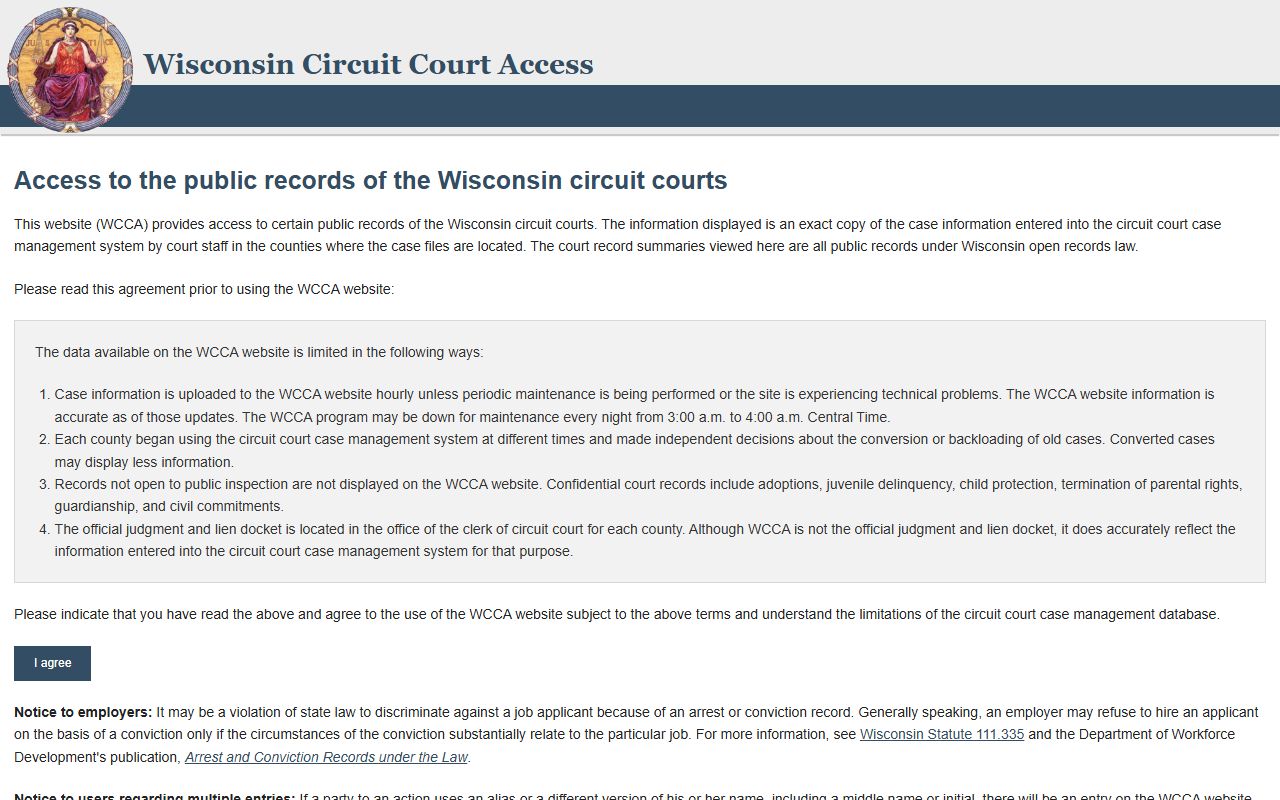
Use the portal as a first pass. Then confirm the result with the sheriff if the record looks old, incomplete, or tied to a custody question.
How to Search Bayfield County Warrant Records
A Bayfield County Warrant Records search works best when you keep the first pass simple. WCCA is free, public, and built for case-level search work. The Bayfield County law-enforcement and court pages both point back to that same statewide system, which makes it the natural place to begin if you want a fast read on a name or case. Search by the cleanest detail you have, then compare the docket with the sheriff's office if the result feels thin.
For Bayfield County Warrant Records, the most useful search details are usually the name, case number, citation number, and date of birth. If the name is common, add the filing year or court type. That keeps you from mixing one person with another. WCCA can show case summaries, calendar details, and warrant status indicators, but it is still only an index. It will not always show the full file or the newest field action, so do not stop at the first result if the record seems incomplete.
Use this order when you need the cleanest search path:
- Search WCCA for the name, case number, or citation number.
- Check whether the docket shows a criminal, traffic, family, or civil case.
- Call the sheriff if you need a live status check.
- Keep the year and birth date handy when the name is common.
That process keeps Bayfield County Warrant Records tied to the right case instead of the nearest similar name. It also keeps you from reading too much into a stale index entry. If the record is old or has moved, the office trail is often more important than the first search result.
Bayfield County Clerk of Court and Warrant Records
The Bayfield County Clerk of Courts & Register in Probate is Deidre Zifko, and the office is at 117 E. Fifth Street, P.O. Box 536, Washburn, WI 54891. The phone number is 715-373-6108 and the office page also points to local court rules, an assistance policy, language access materials, and a payment plan application. That is the court-side home for Bayfield County Warrant Records. If you need the file behind a docket entry, this is the office that keeps the case record and the place where copies or courtroom history are most likely to be resolved.
The clerk page is useful because it shows the county's court structure in plain view. It includes civil and family links, criminal and traffic links, probate and general court links, and a direct path to circuit court fees through the Wisconsin courts site. That makes it a practical stop when a warrant question is really a court-file question. If you need to know what is in the file, what branch handled the matter, or what court page to check next, the clerk can usually get you closer than a general web search.
Bayfield County Warrant Records often sit between the public case index and the stored court file. The clerk fills that gap. WCCA can tell you that a case exists, and the sheriff can tell you whether the county is acting on it. The clerk is the office that can help you move from the public view to the document trail. That distinction matters if the warrant came from a missed appearance, a criminal case, or a family matter that later showed up in a court docket.
Bayfield County Law Library Help
The Bayfield County law-library page at the Wisconsin State Law Library county directory is a useful follow-up when Bayfield County Warrant Records need more context than WCCA can give. The county directory sits inside the state law library's county resources database, which is built to point people toward legal assistance, forms, and court-rule information. For a warrant search, that is useful because it helps you find the legal contact that sits behind the record instead of guessing which office owns the next step.
The Bayfield directory at wilawlibrary.gov/topics/county.php?c=Bayfield is the law-library page shown in the image below.
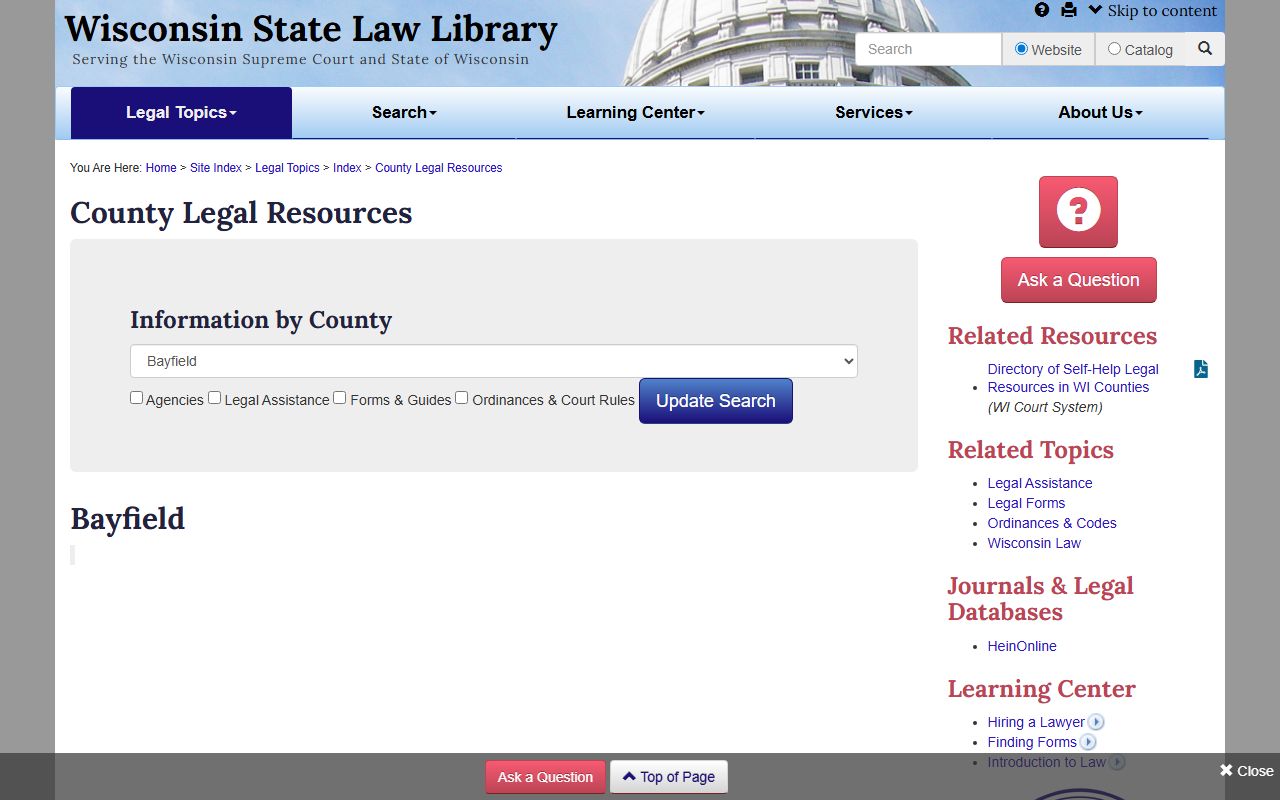
After the image, the useful point is simple: the county directory is the map. It sends you toward legal help, forms, and court-rule material when a warrant record is tied to a broader court problem. Bayfield County also has county court-rules and ordinance references in the law library system, so the page is especially handy when you need to tell a criminal matter from a local court or ordinance issue.
If the Bayfield County Warrant Records trail leaves you with a legal-process question, the law-library page is a clean next step. It keeps the search local without pushing you into guesswork, and it gives you a county-specific way to move from a record hit to the right office or guide.
Wisconsin State Warrant Records Resources
The statewide tools are still the backbone of Bayfield County Warrant Records research. Start with Wisconsin Circuit Court Access for the public case index, then use wicourts.gov for court forms, court contacts, and eFiling entry points. If you need a plain-language explanation of how warrants and searches fit the criminal process, the Wisconsin State Law Library's Arrest & Bail Resources and Search and Seizure Resources are the right statewide references.
Chapter 19 of the Wisconsin Statutes covers public records access, while Chapters 968 and 969 cover criminal process and release conditions. Those links matter because Bayfield County Warrant Records are not just a search result. They sit inside a record system with court steps, law-enforcement steps, and access rules that do not always move at the same pace. If the public result looks thin, those state pages help you understand why.
For most Bayfield County searches, the clean path is the same. Check WCCA first. Confirm the current status with the sheriff if needed. Use the clerk for the document trail. Then use the state law-library and court-system pages when you want the legal structure around the record instead of just the record itself.
Bayfield County Warrant Records Search Tips
Small counties reward careful searches. Bayfield County Warrant Records can be easier to sort out if you keep the record type narrow and the case details clear. A short, exact search will usually outperform a broad guess, especially when a person has a common last name or a case has moved through more than one court step.
Check the office that owns the current action. The sheriff handles current enforcement questions. The clerk handles the court file. The law library helps with the legal map. That split saves time and keeps you from asking one office to do another office's job. It also gives you a cleaner answer when the docket and the field record do not look the same.
If the Bayfield County Warrant Records result is still unclear, return to the courthouse reference points and compare the date, case number, and party name one more time. That second pass is often where the mismatch shows up. Once you have that, the rest of the search is usually straightforward.