
Rusk County Warrant Records Search
Rusk County Warrant Records are easiest to sort out when you begin with the statewide court index and then use the county offices to confirm what the record actually means. The public screen may show a case, a hearing, or a status note, but it does not always tell you whether a warrant is still being acted on. In Rusk County, that makes the search path simple in concept and careful in practice. Start with the name, case number, or date of birth you already trust, then compare the court view with the sheriff and clerk before you decide the record is complete.
Rusk County Warrant Records at the Sheriff
When a Rusk County Warrant Records search turns from public lookup to current status, the sheriff's office is the place that matters most. The sheriff handles enforcement, so the office can usually tell you whether a warrant is active, whether service has been attempted, or whether the case has moved past the live enforcement stage. That is different from the court docket. The docket shows the case path. The sheriff shows the field side. Reading both together is what keeps a small search from turning into a wrong assumption.
The statewide Wisconsin Circuit Court Access portal is the first public screen for Rusk County Warrant Records. WCCA is free, works across all 72 counties, and can be searched by name, case number, citation number, or date of birth. It also shows case type, filing date, and status notes, which makes it easier to tell a warrant entry from a plain case entry. Because the system updates from county court data, it is useful even when the local office has not yet returned a phone call.
The Rusk County WCCA page at wcca.wicourts.gov is the public view shown below.
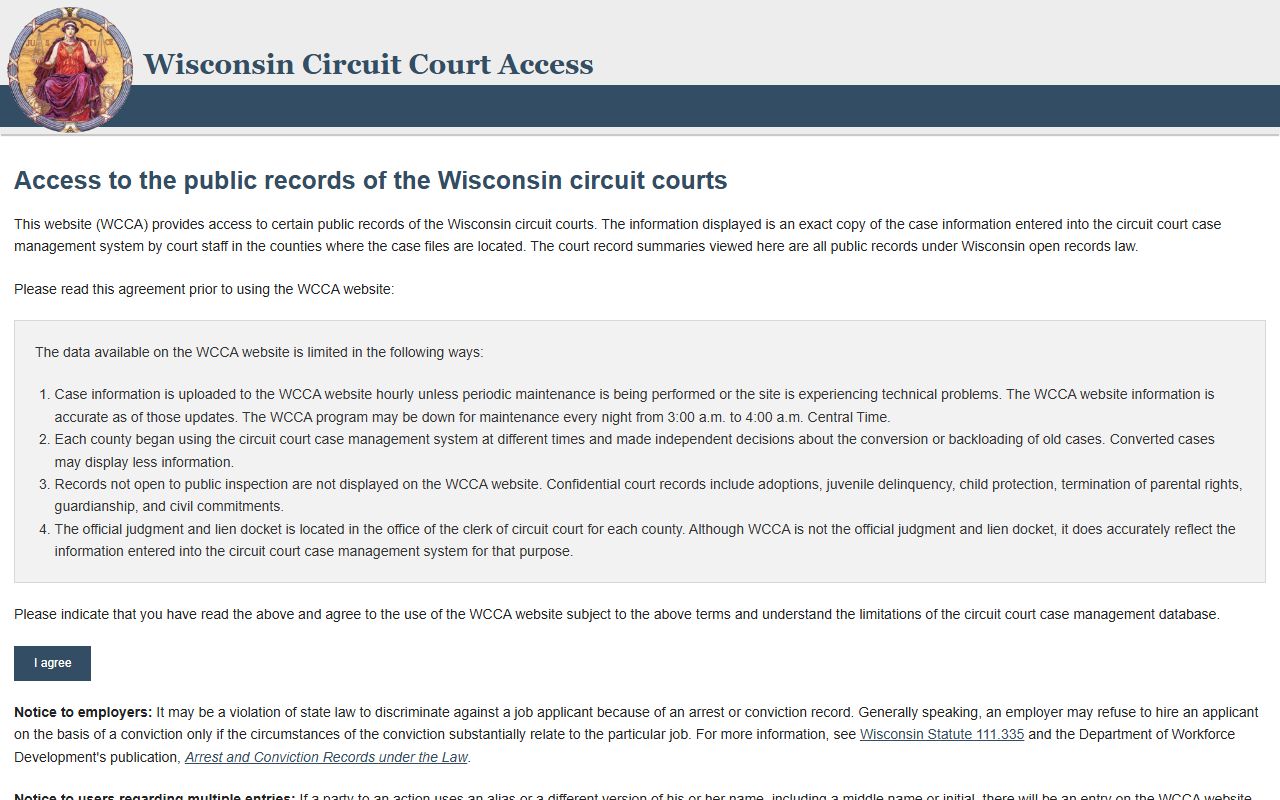
That screen is the quickest way to narrow a Warrant Records search before you call a local office. It is especially useful when you want to compare a docket note with a live enforcement question.
Note: WCCA is a lead, not a full file, so use it to narrow the record and then confirm any live status with the county office.
How to Search Rusk County Warrant Records
A careful Rusk County Warrant Records search starts with clean identity details. The public index is broad, but it works best when you keep the first query narrow. If the name is common, add the middle name, date of birth, or a case number. If you are looking at an older matter, add the filing year. That small amount of precision can save time because the same person can appear in more than one case type, and the wrong result may look close enough to be misleading.
For a practical Rusk County search, focus on the details below before you call any office:
- Exact spelling of the full legal name
- Any known alias or former name
- Date of birth if you have it
- Case number or citation number
- Year the matter first entered court
That list matters because WCCA shows more than one kind of court result. A criminal case, a traffic case, a family filing, or a small claims matter can all sit in the same public index and still lead to different next steps. In a warrant search, those differences matter. One record may be a live warrant. Another may be a note about a past hearing. Another may be the file that explains why the warrant was issued in the first place.
If the online result is unclear, the county clerk is the next office to check. The clerk handles the paper file and the docket history, while the sheriff handles current enforcement. That split is what makes Rusk County Warrant Records manageable. You do not have to solve every part of the record at once. You just need to match the right office to the right question.
Rusk County Clerk and Warrant Records
The clerk of circuit court is the record side of Rusk County Warrant Records. When you need the case file, a docket printout, or a copy request, the clerk is the office that controls the court record. The clerk can usually help you tell whether a warrant note belongs to a criminal file, a traffic matter, a family case, or another court action that later turned into a warrant question. That is valuable because the public result often shows only the last entry, not the full path.
In practice, the clerk is where the search becomes exact. If WCCA gives you a case number, the clerk can use that number to find the file. If you only have a name, the clerk can help you sort through spelling variations and old docket references. If you need copies, the office can explain what is public and what requires a separate review. That makes the clerk the bridge between a broad search result and a usable record.
Rusk County Warrant Records also sit within Wisconsin's public records framework. Chapter 19 supports access to public records, and Chapter 968 explains how criminal proceedings and warrants begin. Chapter 969 covers bail and release conditions. Those statutes matter because they explain why some records are easy to see, why some are limited, and why a warrant may stay on a case history even after the live question has changed. The clerk works within that framework every day.
Rusk County Law Library Help for Warrant Records
When a Rusk County Warrant Records search needs more than a docket check, the county law library directory is the best next stop. The directory at wilawlibrary.gov/topics/county.php?c=Rusk brings the county's legal contacts into one place so you do not have to chase each office one at a time. That is useful when the record points to a support issue, a family case, or another court matter that needs a little more context than the public index can provide.
The Rusk County law library directory at the Wisconsin State Law Library county page for Rusk County is the county contact page shown below.
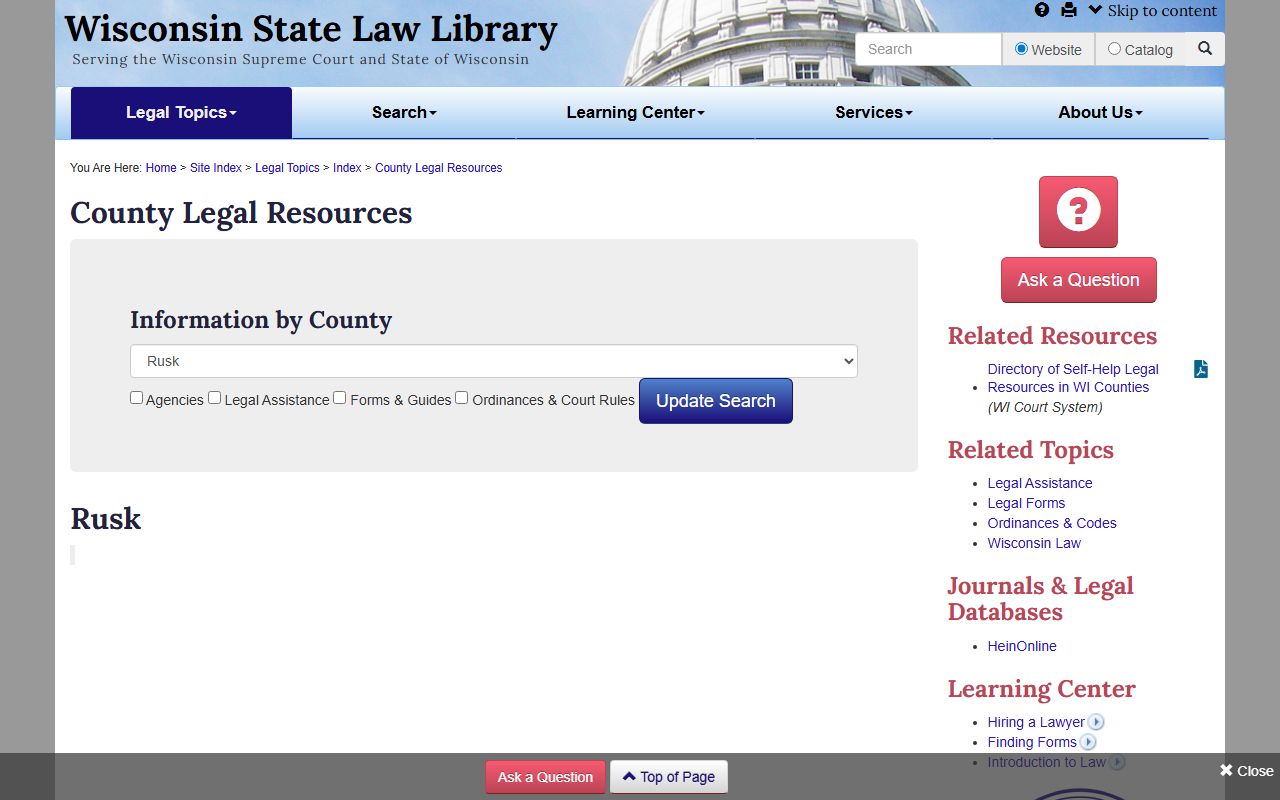
That page helps because it points you to county agencies, legal assistance listings, forms, and other court contacts in one view. If a Warrant Records entry leads you to a child support issue, a family matter, or a local procedure question, the directory is the map that keeps the search from drifting.
Note: The law library does not replace the clerk or sheriff, but it can show you which county office should answer the next question.
Wisconsin State Warrant Records Resources for Rusk County
State resources are the cleanest way to fill in the gaps around Rusk County Warrant Records. The Wisconsin Court System at wicourts.gov provides forms, court contacts, and eFiling access, while WCCA gives the public case view that most searches need first. The statewide index is the same one used across the state, so it gives you a consistent place to compare counties and case types.
The Wisconsin State Law Library also keeps two useful research pages: Arrest & Bail Resources and Search and Seizure Resources. Those pages help explain the record side of a warrant search, especially when you need to understand arrest warrants, search warrants, or release conditions. If you are trying to read a docket entry, the statewide library resources are often easier to use than a raw court screen.
Chapter 19 on public records, Chapter 968 on criminal proceedings, and Chapter 969 on bail and conditions of release are the legal frame behind the search. They explain why a public index can show a status note, why some material is not visible, and why a warrant can remain part of a case history even when the live question has shifted. For Rusk County, that framework keeps the search grounded in the same rules that govern the rest of Wisconsin.
Note: If the county result is thin, use WCCA first, then the clerk, then the law library directory to identify the right office and the right record.